Citrino · Color picker for Mac

Meet Citrino.

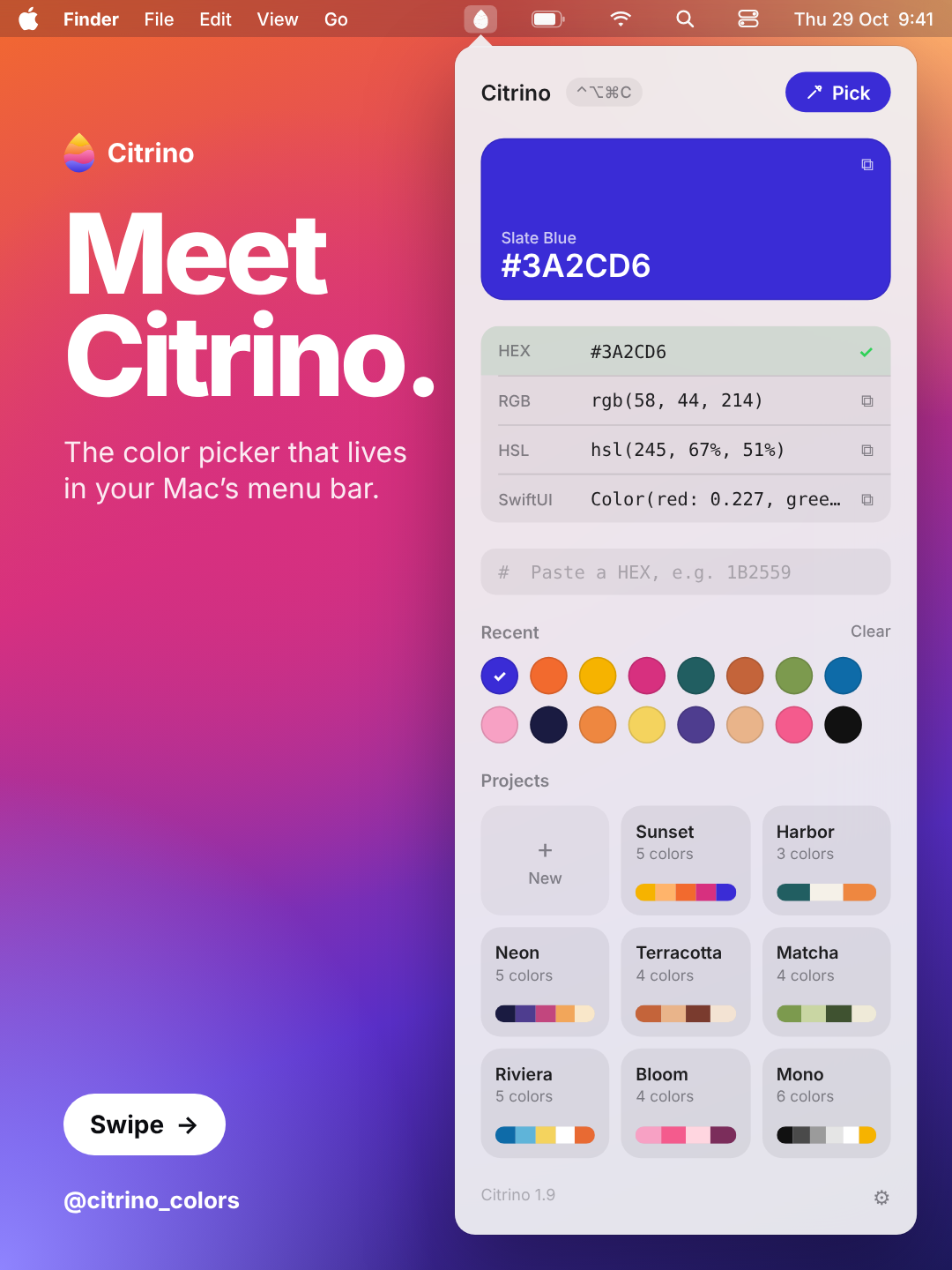
The color picker that lives in your Mac’s menu bar. Pick any color on your screen and paste it anywhere.

macOS 13 or later · Apple Silicon and Intel

Small app. Every color.

Everything a designer needs from a color picker, and nothing else.

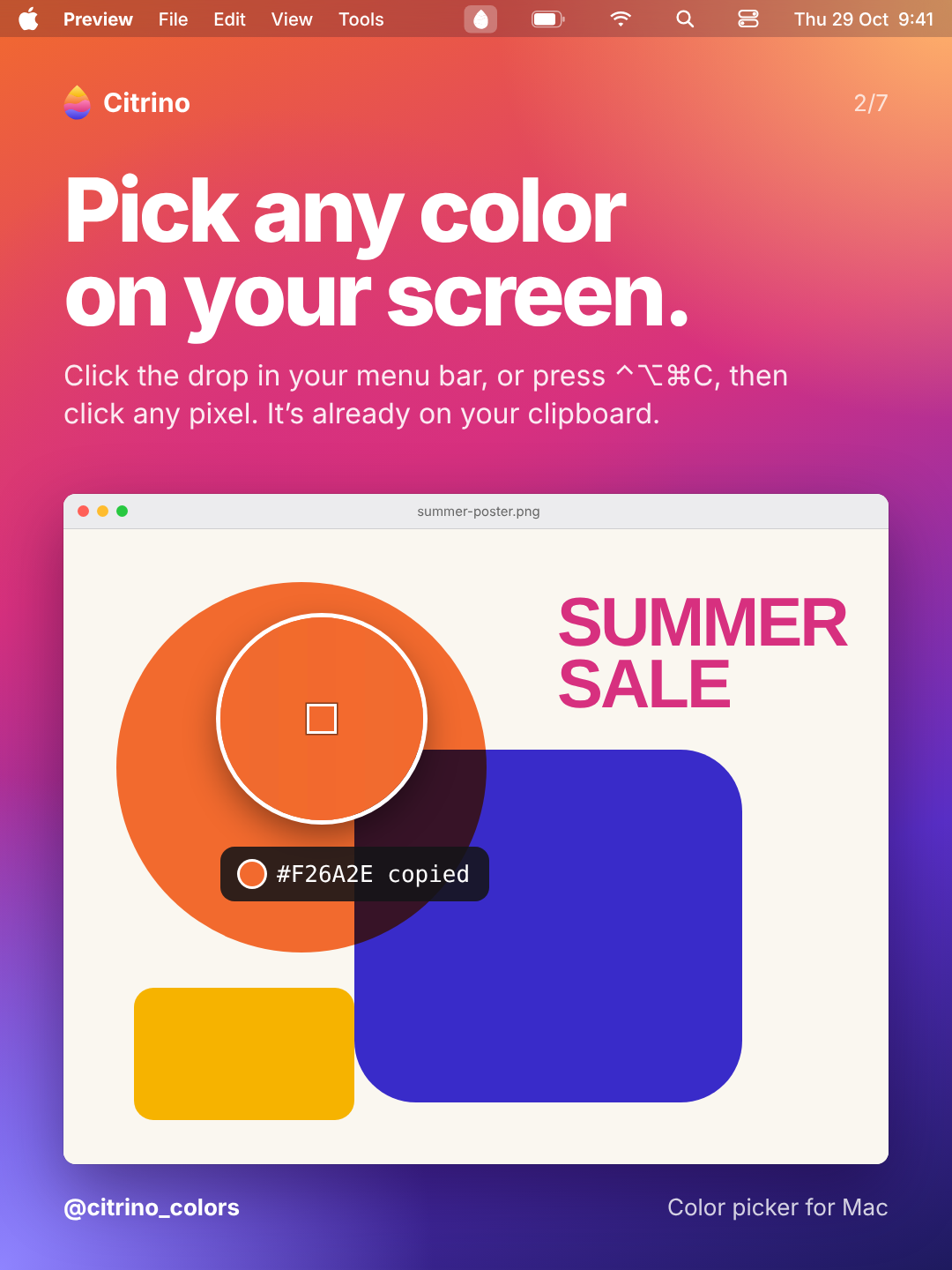
Pick any color

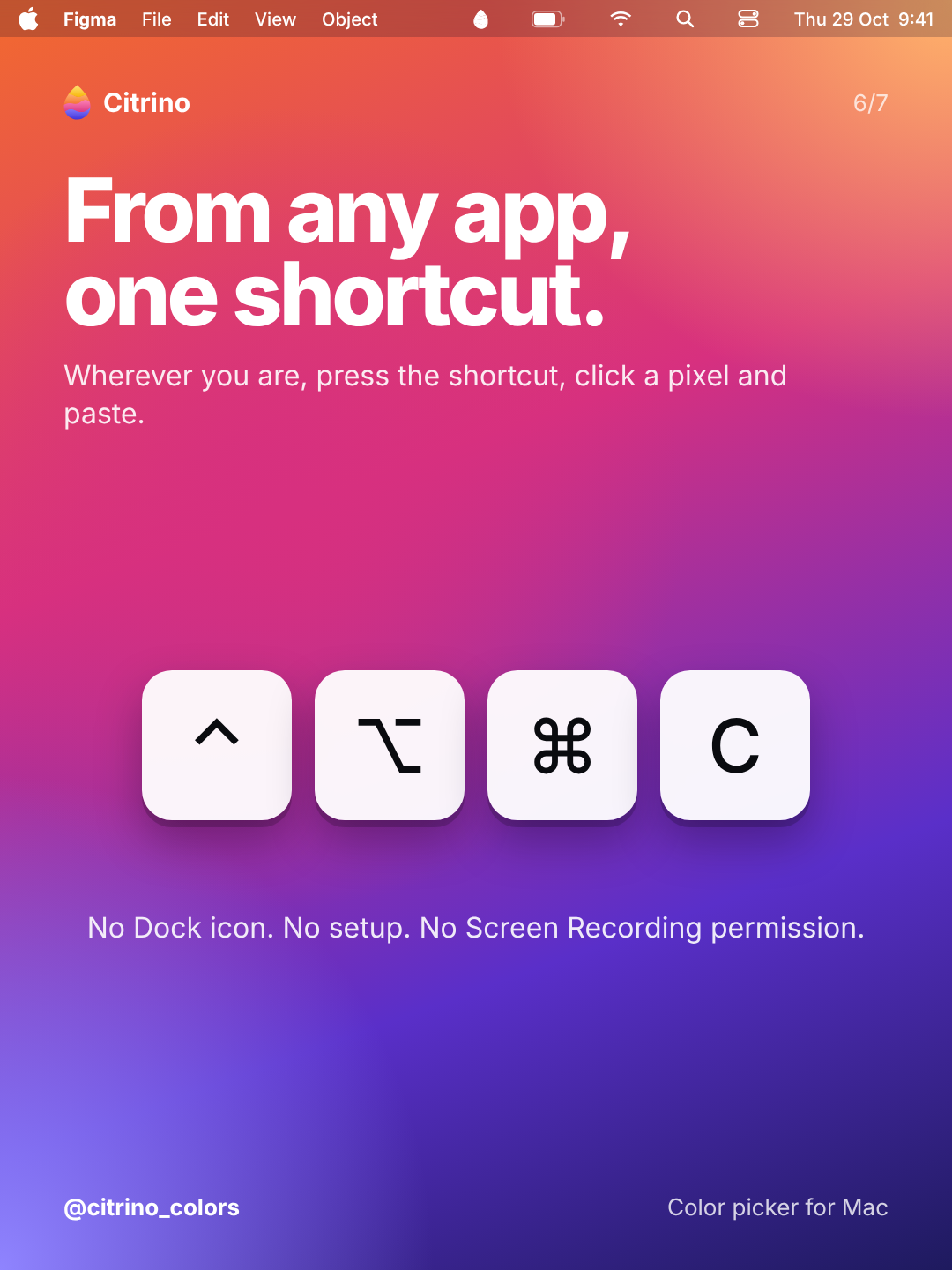
Click the drop in your menu bar, or press ⌃⌥⌘C from any app, then click any pixel. It’s on your clipboard.

Every format

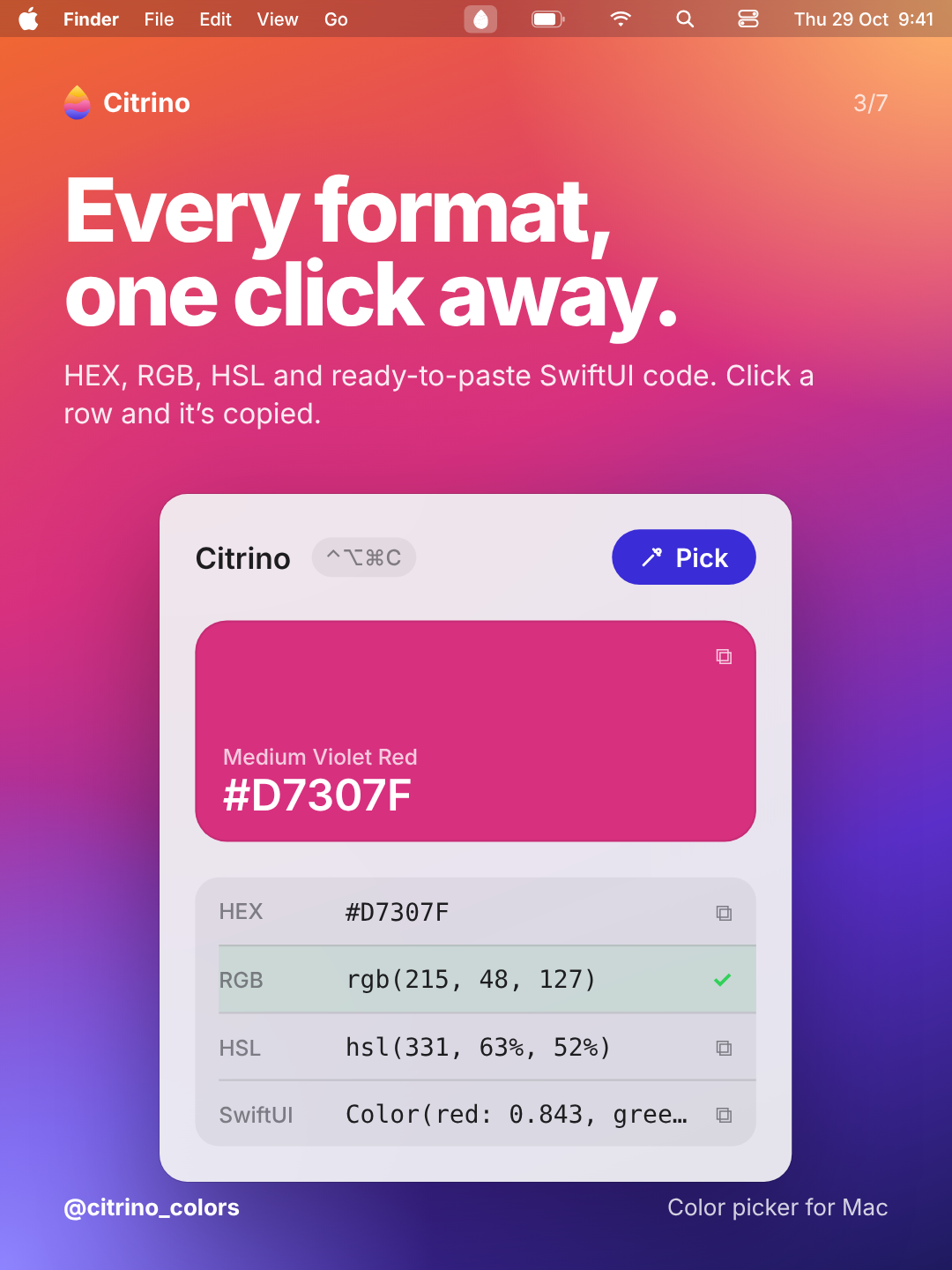
HEX, RGB, HSL and ready-to-paste SwiftUI code. Choose which one is copied after each pick.

Palettes in projects

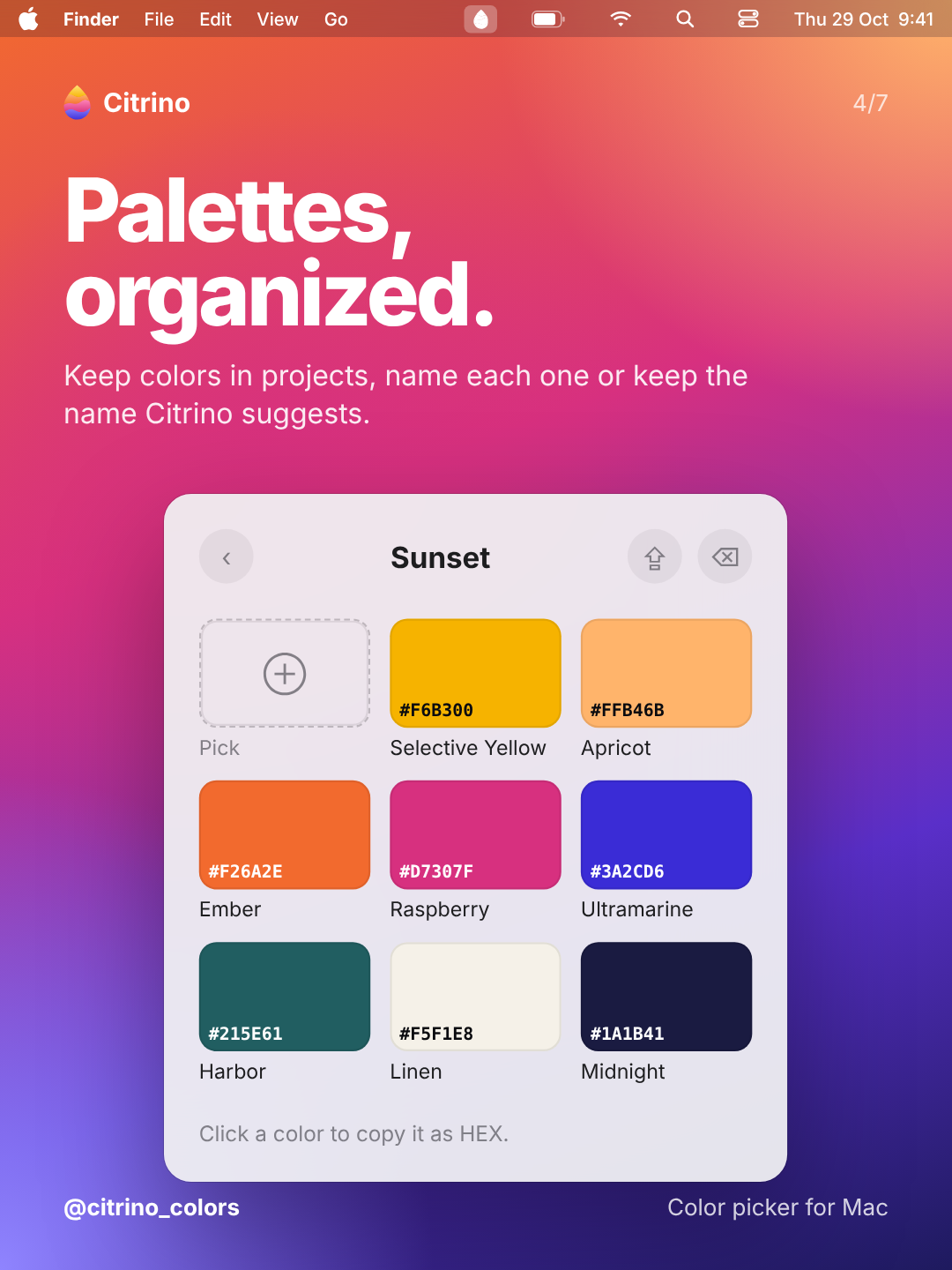
Drag colors into projects. Every color gets a name: write your own or keep the one Citrino suggests.

Export as PDF

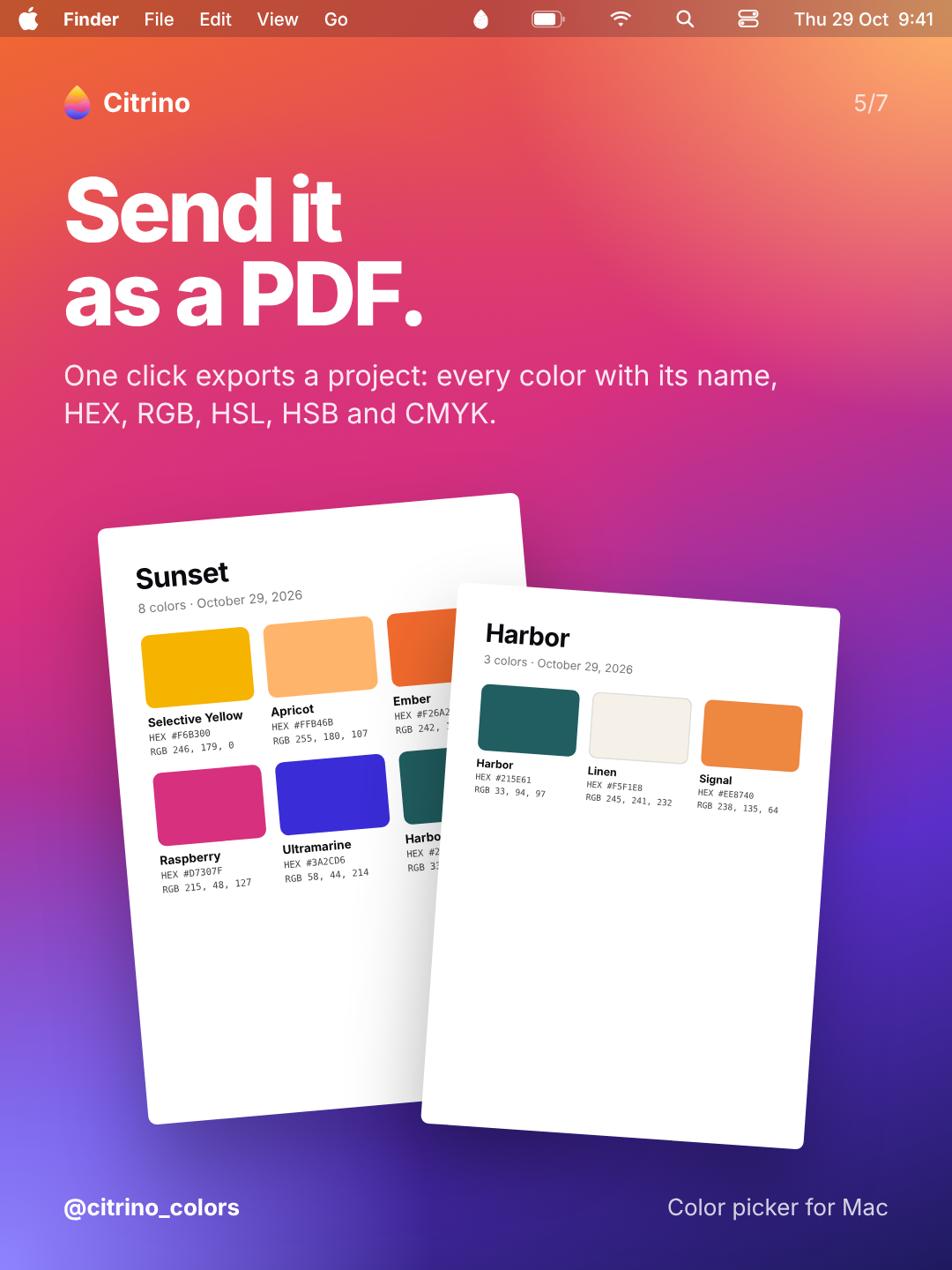
Send a palette to a client: a clean grid with name, HEX, RGB, HSL, HSB and CMYK for every color.

Always sRGB

Colors are converted from your display to sRGB, so the HEX matches the web and your design tools.

Out of your way

No Dock icon, no setup, no Screen Recording permission. Opens at login if you want it to.

Pick. Paste. Keep.

1

Pick

Press ⌃⌥⌘C or click the drop, then click any pixel on your screen.

2

Paste

The color is already on your clipboard, in the format you chose.

3

Keep

Drag it into a project and export the palette as a PDF when you’re done.

Get Citrino.

One purchase, no subscription. Choose where you buy it.

Mac App Store

Installs and updates through the App Store. Works on every Mac signed in with your Apple ID.

Gumroad

Direct download as a DMG, with a license key for up to 3 Macs.

Questions

They are the same app. Pick the Mac App Store if you like installs and updates handled by Apple, or Gumroad if you prefer a direct download with a license for up to 3 Macs. They are separate purchases.

No. You pay once.

No. It uses the macOS system eyedropper, which reads only the color you click.

Any Mac with macOS 13 Ventura or later, Apple Silicon or Intel.

Citrino from Gumroad isn’t distributed through the App Store, so macOS asks you to confirm it once: open System Settings → Privacy & Security, scroll down and click Open Anyway.
Not yet: the App Store version keeps its data in its own sandbox, so it starts with no projects or recent colors.

Citrino is made by Hellolab · @citrino_colors